How to Create an Electronic Signature for Free
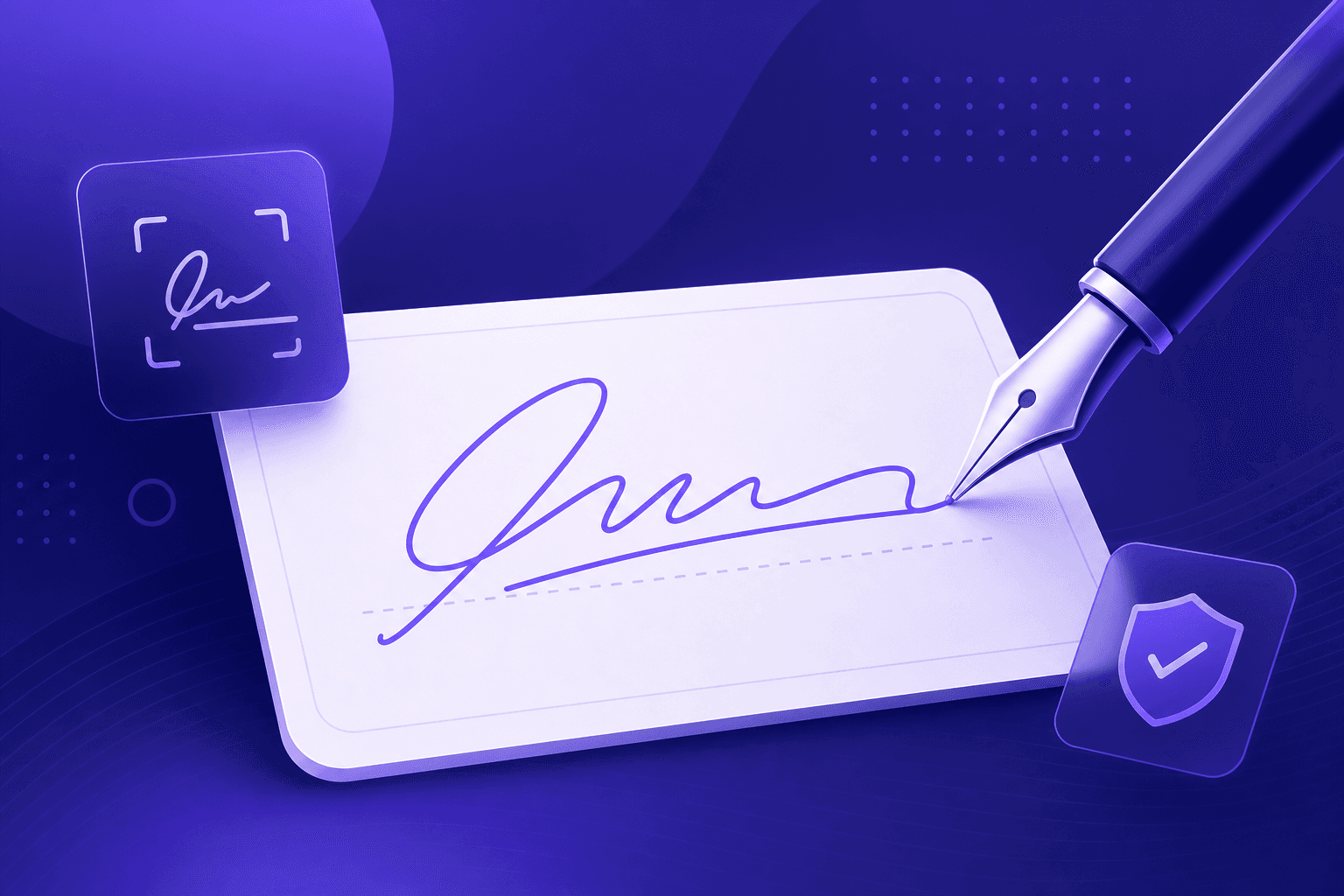
The print-sign-scan dance is slow and wasteful. With an electronic signature you can sign contracts, forms, and letters in seconds and reuse your signature whenever you need it. Here's how to make one for free.
Drawn vs typed signatures
- Drawn: the most authentic option - sign with your mouse, trackpad, or finger for a natural, handwritten look.
- Typed: the fastest option - type your name and pick a handwriting-style font. Great for consistency.
Our Signature Maker supports both, and exports a transparent PNG either way.
How to create your signature
- Open the Signature Maker and choose Draw or Type.
- Sign or type your name, then set the ink colour and thickness.
- Download the transparent PNG.
Adding it to a document
Because the signature has a transparent background, you can drop it straight onto a PDF or document. Most PDF viewers let you insert an image - place your signature PNG where it's needed and resize it. You can also combine it with our other tools, such as merging signed pages together.
Are electronic signatures legal?
In many countries electronic signatures are legally recognised for a broad range of documents. That said, rules differ by country and by document type, so for high-stakes agreements it's worth checking the specific requirements that apply to you.
Summary
Creating an electronic signature takes seconds and saves the hassle of printing and scanning. Draw or type yours, download a transparent PNG, and reuse it on any document - all privately in your browser.