Guides & how-tos
Practical, no-fluff guides to help you get more out of your files - PDFs, images, OCR, and documents.
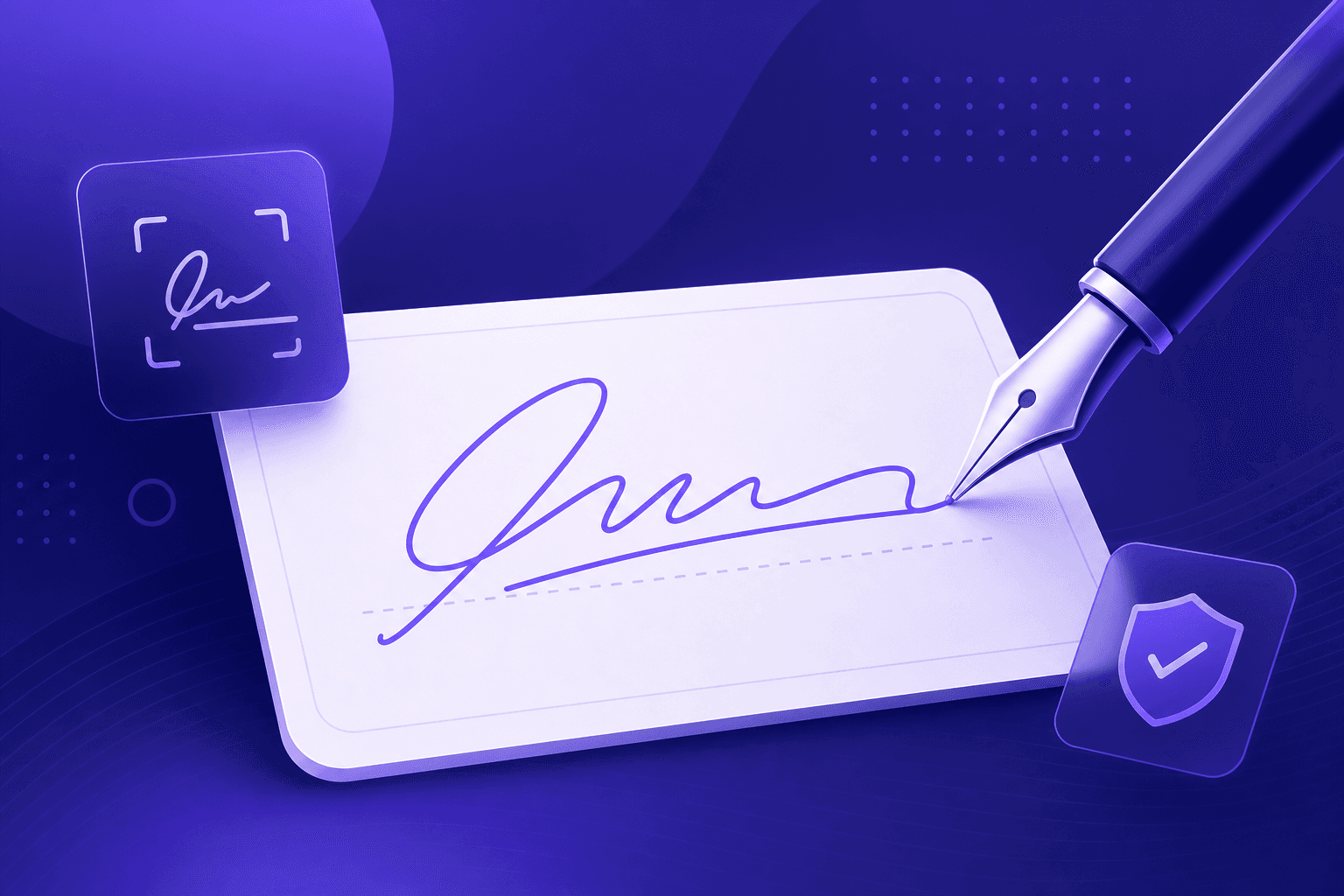
How to Create an Electronic Signature for Free
Sign documents without printing and scanning. Learn how to create a clean electronic signature - drawn or typed - and add it to PDFs and forms.
Read article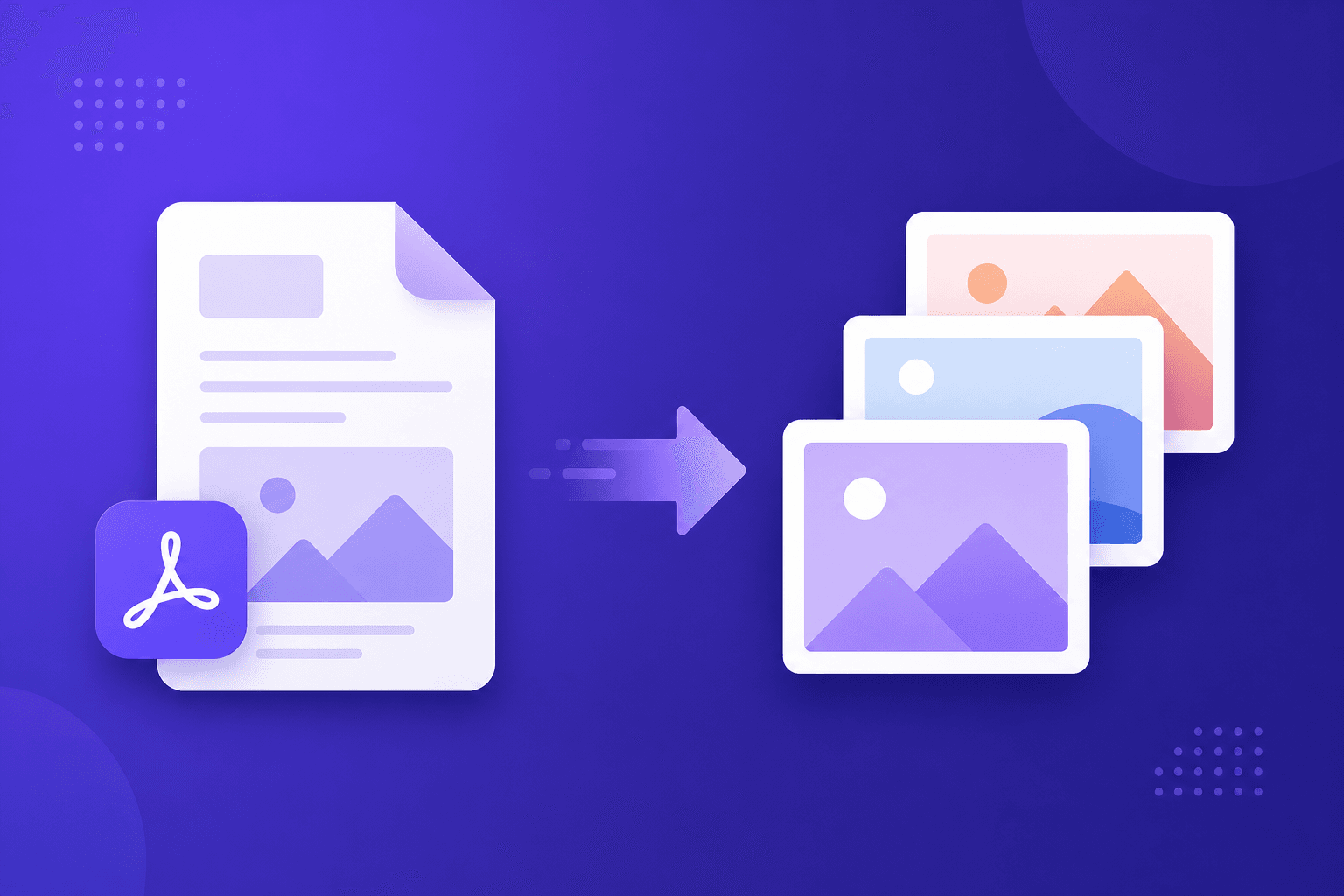
How to Convert a PDF to Images (PNG or JPG)
Need each page of a PDF as a picture? Learn how to convert PDF pages to PNG or JPG images, when to use each format, and how to download them all at once.
Read article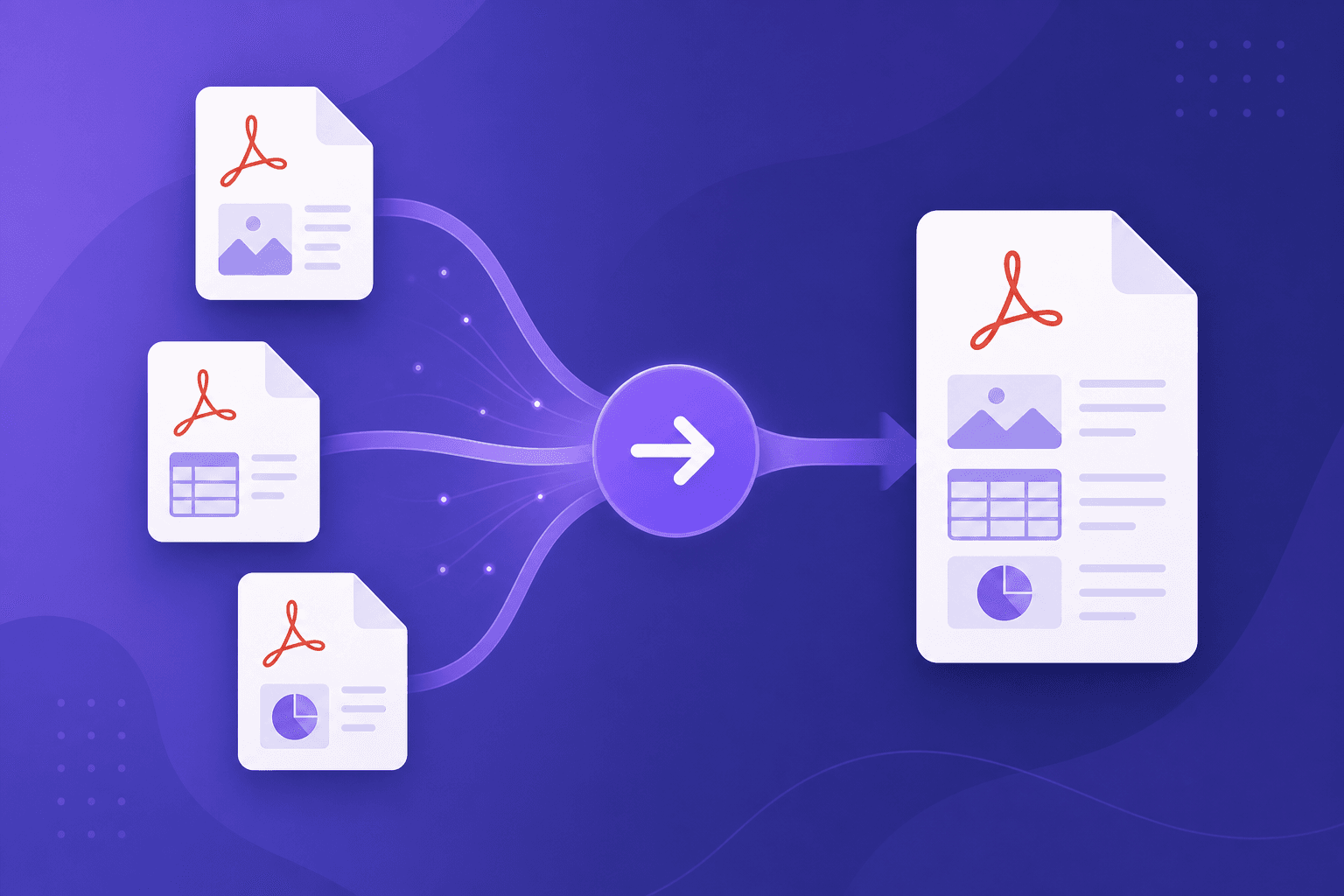
How to Merge PDF Files Into One (Free & Private)
Combine several PDFs into a single document in the right order. Learn the easiest way to merge PDF files for free, without uploading them anywhere.
Read article
What Is a QR Code and How to Create One for Free
Learn how QR codes work, where to use them, and how to generate your own custom QR codes for links, Wi-Fi, and more - then download them as PNG or SVG.
Read article
How to Make a Passport Photo at Home for Free
Save money by making your own passport or visa photo. Learn the official size requirements and how to crop, size, and print compliant ID photos at home.
Read article
How to Write a Europass CV (EU Standard) That Stands Out
A step-by-step guide to the European Europass CV format - what to include, how to describe language levels (CEFR), and how to build one as a free PDF.
Read article
How to Create a Professional Invoice in Minutes
Everything a freelancer or small business needs to put on an invoice - plus how to generate a clean, downloadable PDF invoice for free.
Read article
How to Compress Images Without Losing Quality
A practical guide to reducing PNG and JPG file sizes for faster websites and easier sharing - while keeping your images looking sharp.
Read article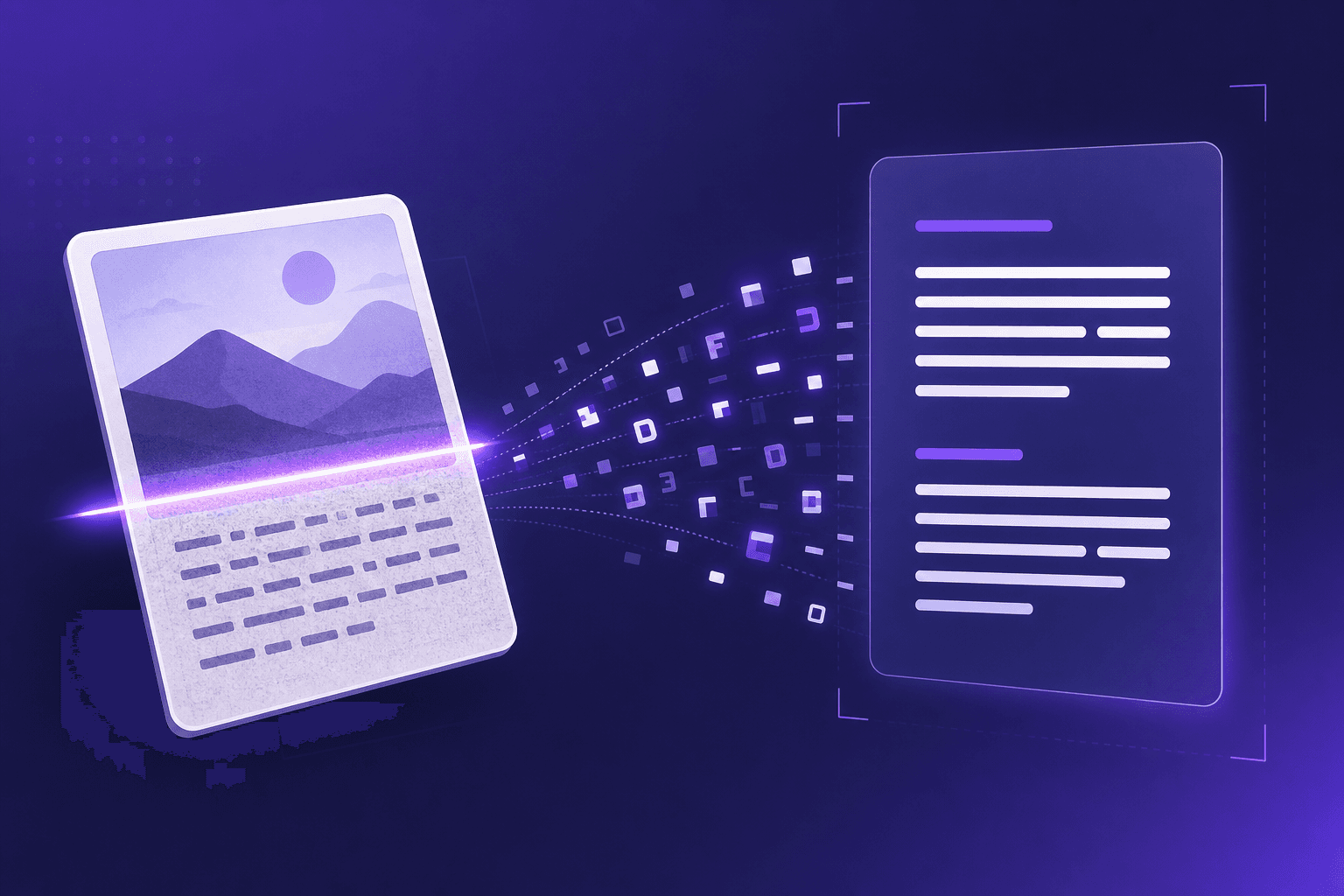
What Is OCR? How to Turn an Image Into Editable Text
Understand how optical character recognition (OCR) works and how to convert screenshots, photos, and scanned CVs into editable text for free.
Read article
How to Extract Text From a PDF for Free (Without Uploading)
Learn the easiest way to copy and extract text from any PDF in seconds - directly in your browser, with no software to install and no files to upload.
Read article