Passport Photo Maker
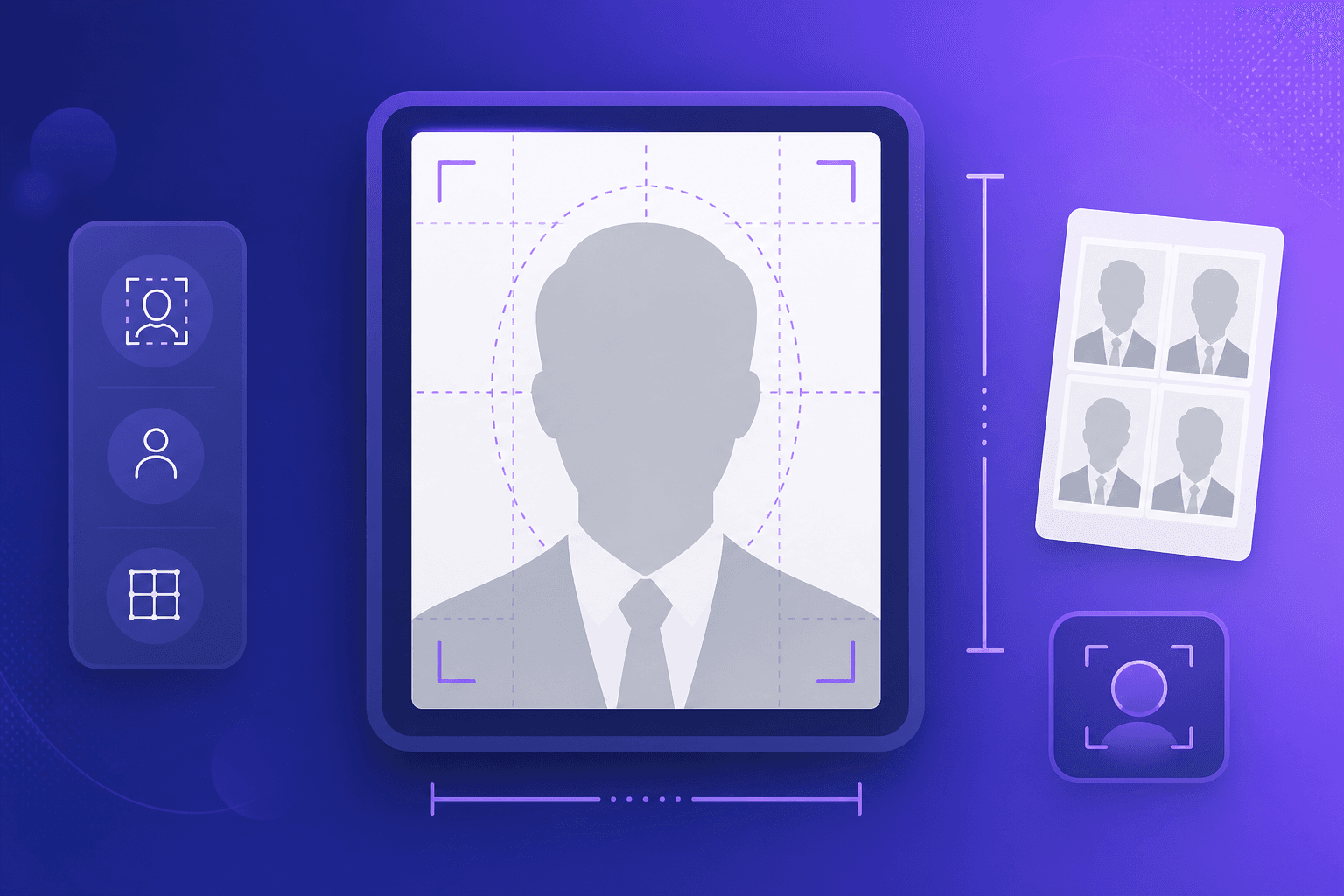
Turn a regular photo into a correctly sized passport, visa, or ID photo. Choose your country's official size, crop and zoom to position the face, and download a print-ready image or a 4x6 sheet with multiple copies - processed entirely in your browser.
Loading tool...
How to use Passport Photo Maker
- 1
Upload your photo
Choose a clear, front-facing photo taken against a plain, light background.
- 2
Pick a size and crop
Select your country's passport or visa size, then drag and zoom to position the face correctly.
- 3
Download
Save a single correctly sized photo, or a 4x6 inch sheet tiled with multiple copies ready to print.