How to Make a Passport Photo at Home for Free
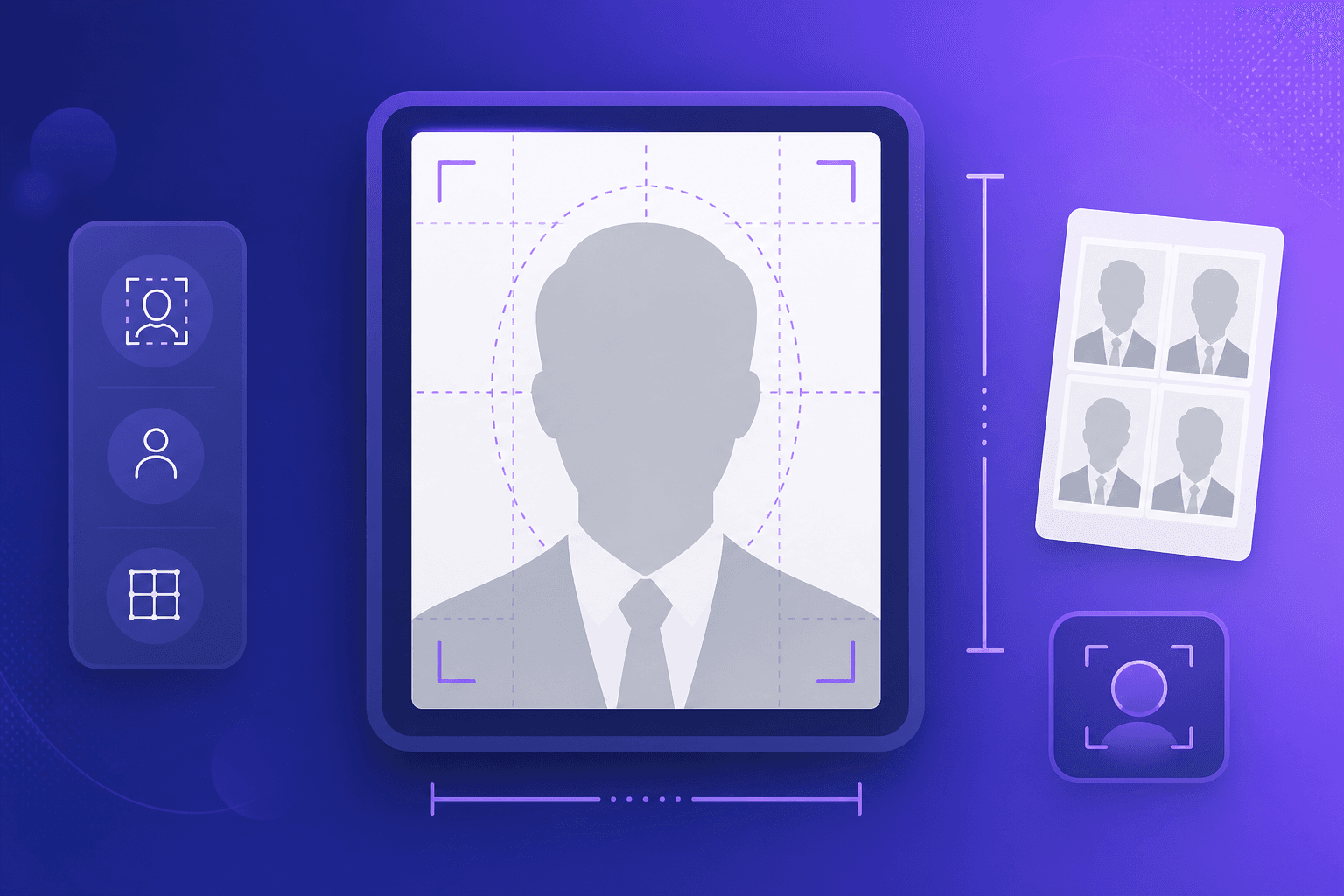
Passport photo booths and studios can be surprisingly expensive for two small prints. With a decent phone camera and the right tool, you can make a compliant passport or visa photo at home for free.
Common passport photo sizes
- United States: 2 x 2 inches (51 x 51 mm), square.
- EU / Schengen, UK, India, Australia: 35 x 45 mm.
- Canada: 50 x 70 mm.
Our Passport Photo Maker includes these presets and exports at 300 DPI for sharp prints.
Taking a good source photo
- Stand about 1.5 m in front of a plain, light-coloured wall in even lighting (avoid harsh shadows).
- Face the camera straight on with a neutral expression.
- Keep your eyes open and clearly visible, hair off your face.
- Remove hats and sunglasses (unless worn for medical or religious reasons), and avoid heavy glare on glasses.
How to make the photo
- Upload your photo to the Passport Photo Maker.
- Select your country's size preset.
- Drag and zoom so your head is centered and correctly proportioned.
- Download a single sized photo, or a 4 x 6 inch sheet with multiple copies to print cheaply at any photo lab.
Printing tips
Print the 4 x 6 sheet at a pharmacy or photo kiosk using “glossy” photo paper and “actual size” (no scaling). Then cut along the guide lines. This typically costs a few cents instead of several dollars.
A note on requirements
Sizing is only part of the equation - each authority has rules about background, expression, and head position. Always check the official guidelines for your document before submitting.
Summary
With a good source photo and the right crop, you can produce compliant passport and visa photos at home in minutes - and save money on every renewal.