How to Merge PDF Files Into One (Free & Private)
May 30, 20264 min read
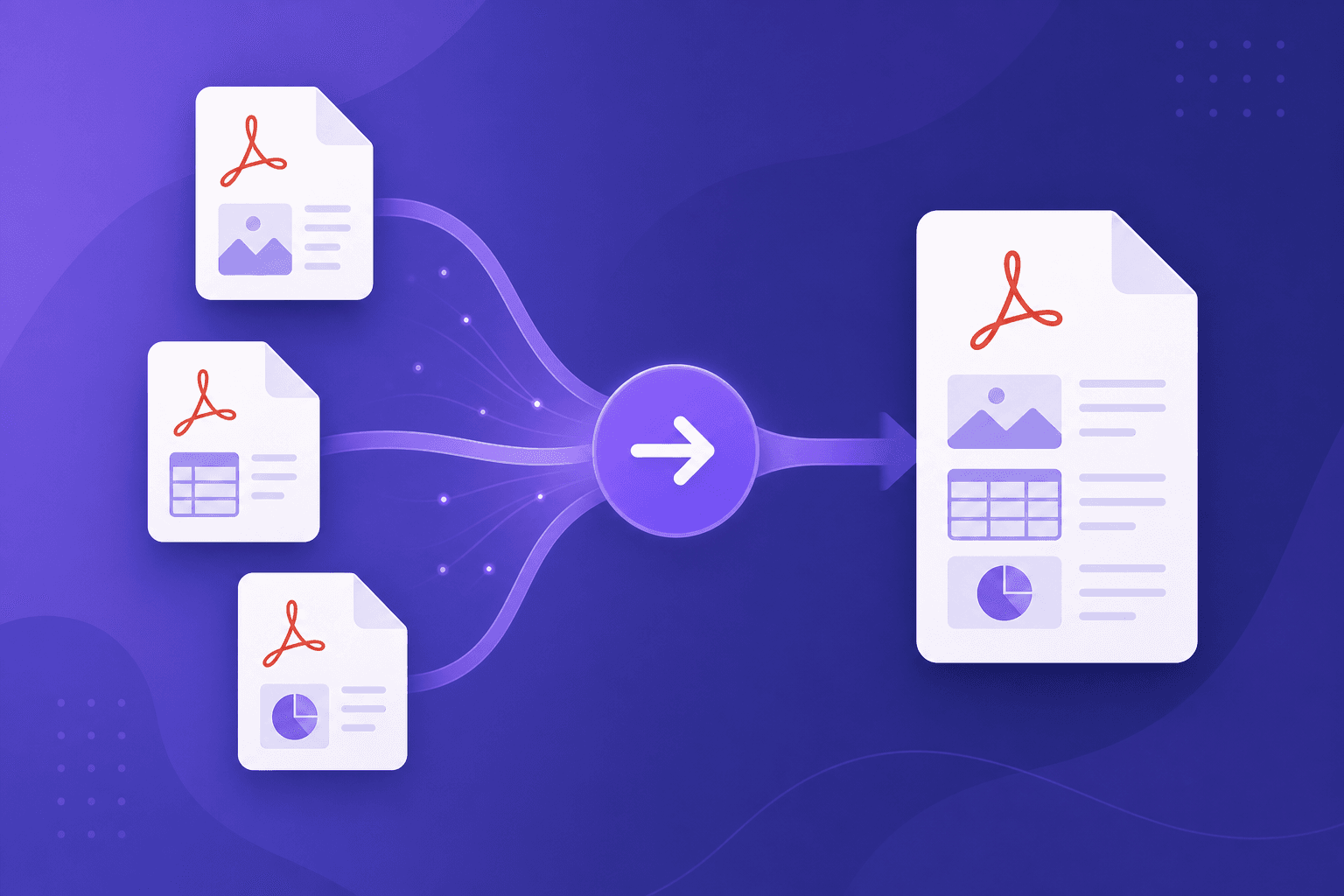
Sending three separate PDFs when one would do looks messy and is easy to lose track of. Merging them into a single, well-ordered document is cleaner and more professional. Here's how to do it for free.
When merging PDFs helps
- Combining a cover letter, CV, and portfolio into one file.
- Bundling receipts or invoices for an expense report.
- Joining scanned pages that came out as separate files.
- Assembling chapters or sections into a single document.
How to merge your PDFs
- Open the PDF Merger tool and add two or more PDF files.
- Drag them up or down so the pages end up in the order you want.
- Click merge and download your combined PDF.
Why a browser-based merger is better
Many online mergers upload your documents to their servers, which is a privacy risk for anything sensitive. Because our tool merges files locally in your browser, your PDFs never leave your device - there is nothing to upload and nothing stored.
Tips
- Rename files beforehand so the order is easy to recognise.
- Need only some pages? Combine this with our other PDF tools to get exactly the document you want.
Summary
Merging PDFs into one ordered document is simple and should be private. Add your files, set the order, and download - all for free and entirely in your browser.